
Meta Agency Ad Account for Rent: How It Works, What You Pay, and What You Risk

Brian Sung
Published on July 1, 2026
Meta Agency Ad Accounts Rent: What the Rental Model Actually Covers
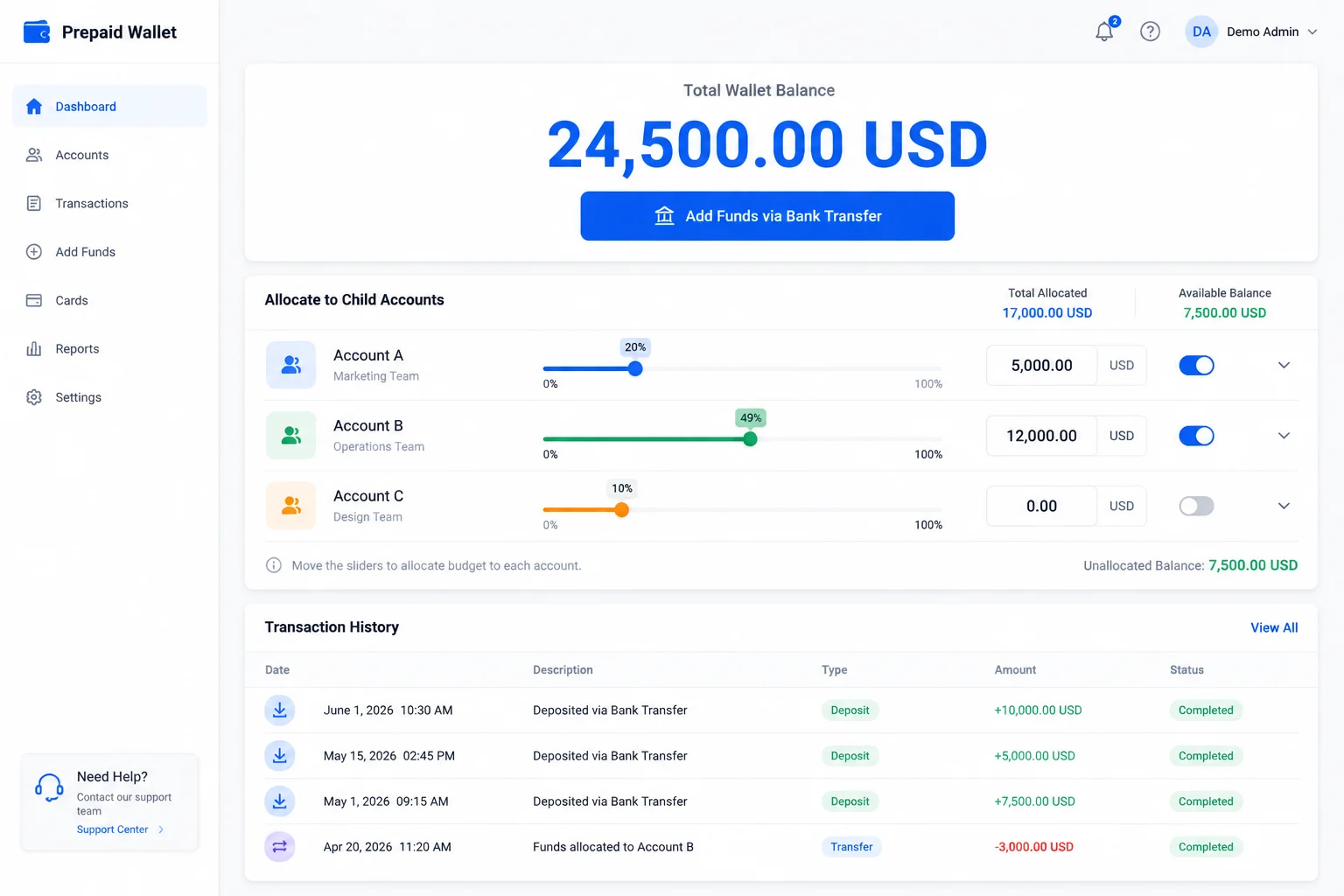
A Meta agency ad account is an ad account opened through Meta's agency partner channel, not through a standard Business Manager. These accounts carry higher default trust signals, faster ad review queues, and significantly higher spending limits than individually-created accounts. But the term "agency ad account" covers several different access models, and the rental arrangement determines who actually owns the account.
What makes an ad account an "agency" account
Meta's Business Partner program designates certain agencies with access to account infrastructure that isn't available to standard advertisers. Agency ad accounts typically come with:
- Higher starting spend limits. Standard accounts may start at $50/day. Agency accounts can begin at $5,000–$50,000/day depending on the provider's relationship with Meta.
- Priority ad review. Ads submitted through agency accounts often pass through Meta's review system faster, because the account-level trust score is already established.
- Direct escalation paths. When an ad is disapproved or an account is flagged, agency account providers can escalate directly to Meta's internal teams rather than going through the public support queue.
The two rental models
There are fundamentally two ways to access a Meta agency ad account. The difference is ownership.
Provider-owned (traditional rental). The provider opens and retains ownership of the account. They grant you login access — typically through a Business Manager partner role or a delegated login. You can run ads. You cannot transfer the account. You do not own the pixel data or campaign history. If the provider's relationship with Meta changes, or if the provider goes out of business, the account — and everything in it — is gone.
Customer-owned (delegated model). Portcast and a small number of providers open the account through agency channels and delegate it to the client's Business Manager. The client owns the account. The client controls the relationship. Meta's Business Help, audience lists, and campaign history live in an account the client can transfer, reassign, or shut down on their terms. Portcast provides the agency channel and compliance support; the client owns the asset.
The difference between these two models is not a technical detail. As we've written before, ownership is the difference between an asset and a dependency.
Facebook Agency Ad Account Rent: Pricing and Provider Evaluation
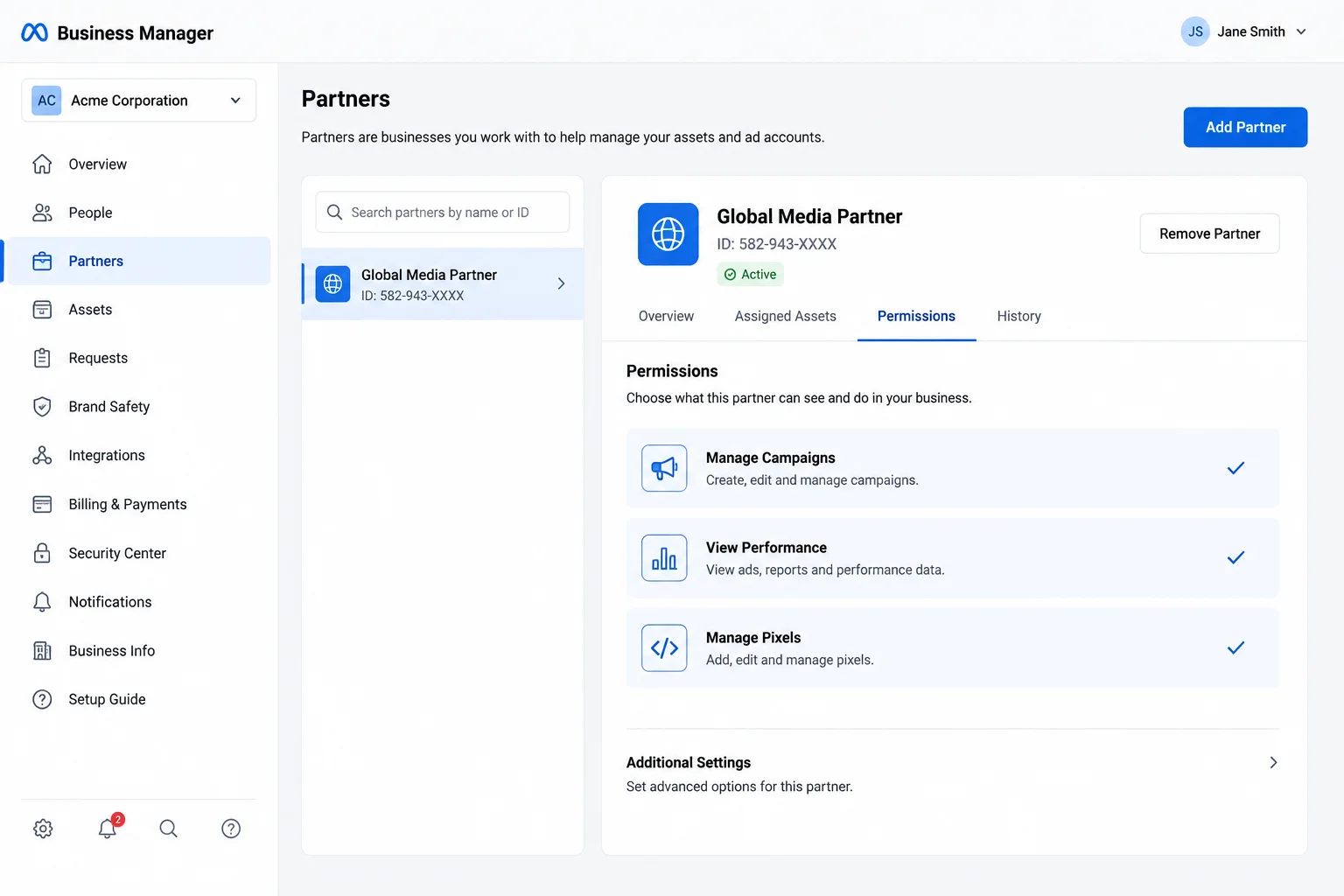
Pricing for a Facebook agency ad account rental varies based on the fee structure, the services included, and what happens when the account encounters a problem. The range is wide: some providers charge a flat monthly retainer of $99–$500/month, others charge a percentage of ad spend (1–5% is common), and some combine both. Shopify's advertising guide notes that agency-managed accounts often also include creative services, making the effective cost higher than the rental fee alone.
What the fee actually covers
When you evaluate a rental fee, ask what it includes beyond account access:
| Fee component | What it should cover | What to watch for |
|---|---|---|
| Account provisioning | Opening the account, delegating access, verifying the Business Manager | Some providers charge a separate "setup fee" on top of monthly fees |
| Compliance review | Review of your offer, landing page, and ad copy before submission | If this isn't included, the provider is skipping the step that keeps accounts live |
| Ongoing support | Access to an account manager, escalation to platform teams | "Chat support" is not the same as having a dedicated AM |
| Suspension response | Backup account provision, appeal support | Many providers charge extra for suspension handling or don't offer it at all |
The pricing trap
The cheapest rental fee is rarely the cheapest outcome. Hootsuite's research on Facebook ad costs found that the leading cause of wasted ad spend is account downtime — days when approved ads can't run because the account is restricted or under review.
A provider charging 1% of spend with no compliance review might save you $50/month on a $5,000 budget. One suspension that takes a week to resolve costs more than that in lost campaign momentum, retargeting window gaps, and team time spent on recovery. Meta's Business Help of ad account downtime estimates that a single week of downtime can cost 15–25% of your monthly ad performance, because paused campaigns lose their learning phase optimization.
Portcast does not guarantee no suspensions — no third party controls Meta's enforcement decisions. What we do: compliance review before onboarding to minimize the risk, direct escalation to platform teams when issues occur, and backup account within 1 business day (Mon-Fri, 9am-6pm HKT) provision if suspension happens. Casino is a hard no. Restricted verticals are case-by-case after additional review.
How to Transfer an Ad Account to a Different Business Manager on Facebook
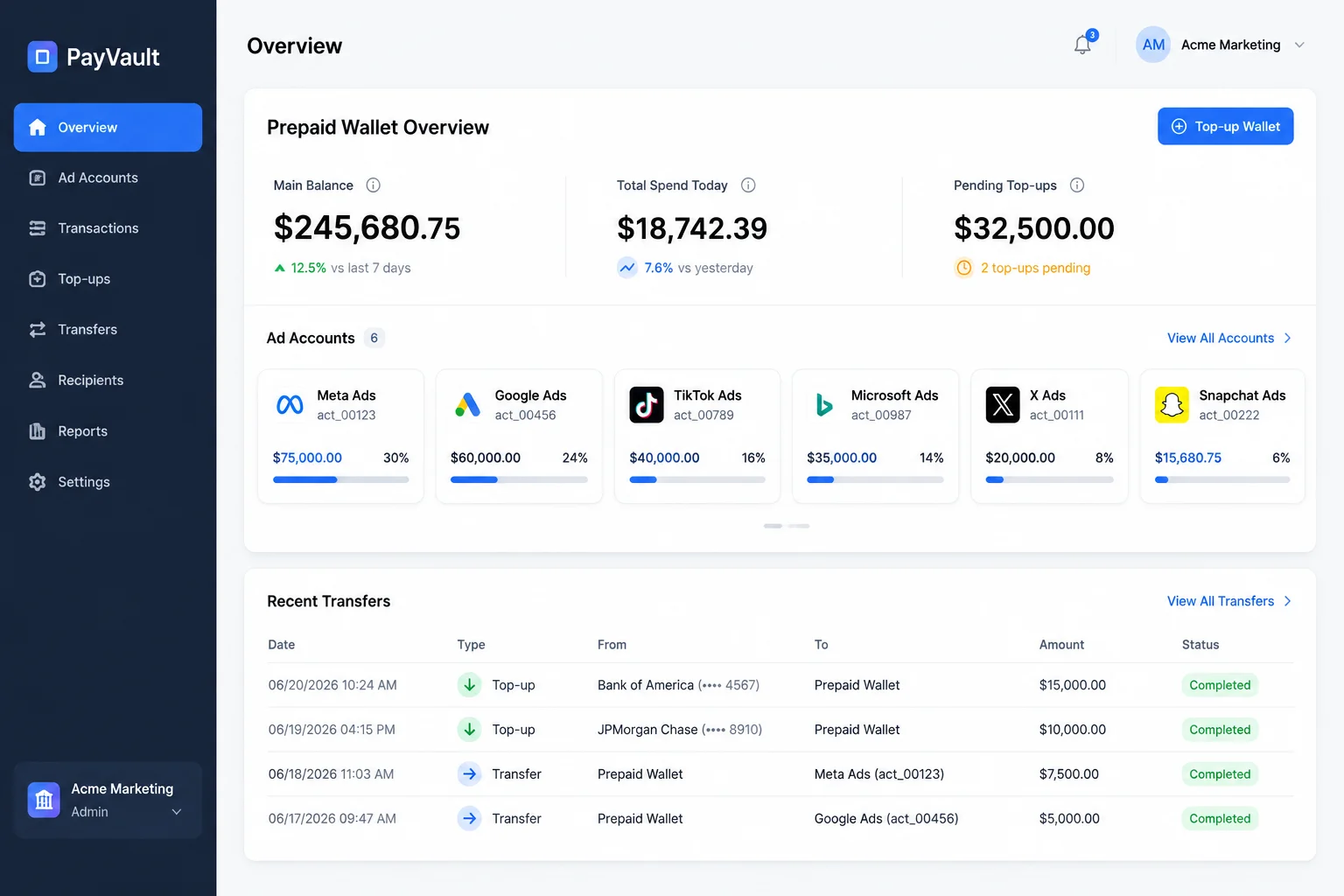
If you own the ad account — meaning it was created in your Business Manager or delegated to you as the owner — you can transfer it to a different Business Manager using Meta's built-in account transfer feature. This is the primary reason customer-owned accounts matter: you can move the account, and its accumulated assets, without starting over.
When you might need to transfer an ad account
- Your agency relationship changes and you want to move the account to a new partner
- You're restructuring your Business Manager setup across multiple portfolios
- The account was initially delegated to a specific BM and needs to be reassigned
- You purchased a business or absorbed a brand that had its own ad account
The transfer process
Meta provides a direct transfer mechanism in Business Settings:
1. Go to Business Settings. Navigate to business.facebook.com/settings. Under Accounts, select Ad Accounts.
2. Find the account you want to transfer. Click on the ad account to open its settings panel.
3. Select "Transfer Ad Account." This option appears in the account's action menu. Meta's Business Help Center documents the exact steps.
4. Enter the destination Business Manager ID. The recipient BM must be verified and in good standing. Both parties must confirm the transfer.
5. Confirm. The transfer moves the account and all its assets — campaigns, ad sets, ads, pixels, pages, and audience lists — to the new Business Manager.
What cannot be transferred
If the account was opened by a provider who retained ownership (the traditional rental model), there is no transfer option. The provider owns the account. You cannot move it. If you want to leave that provider, you leave the account — and its pixel data, audience history, and campaign data — behind. Meta's documentation is explicit: only the Business Manager that owns the account can initiate a transfer.
This is the structural risk at the heart of the rental model. Meta's Business Help recommends verifying account ownership terms before committing to any provider, because the account is the only thing that retains value after the campaigns end.
If you're evaluating Meta agency ad accounts and want to know whether a rental model or a customer-owned account fits your situation, talk to our AM. We'll review your platform mix, spend level, and vertical — no payment before scope is confirmed.
Talk to our AM | Customer-owned account model | Eligibility and compliance
Written by Brian Sung
Growth Lead at Portcast Media. Writing about ad account infrastructure, platform policy, and how performance advertisers scale without getting shut down.
LinkedInFrequently asked questions
How much does it cost to rent a Meta agency account?+
Yes — rental fees range from $99 to $500 per month as a flat rate, or 1% to 5% of ad spend, or a combination of both. The fee structure depends on the provider and what's included. Some providers charge a separate setup fee of $50–$200 on top of monthly fees. The total cost also depends on whether compliance review, ongoing AM support, and suspension response are included or billed separately. Portcast does not publish fixed prices — the fee depends on platform mix, spend volume, and vertical. Talk to our AM for a specific quote.
Is renting Meta ad accounts against Terms of Service?+
Start by understanding Meta's policy on account ownership and access. Meta's Terms of Service require that ad accounts be used by the Business Manager that owns them. The rental model exists in a gray area: if the provider delegates access through Meta's official Business Manager roles (e.g., granting admin access to the client's account), it is generally accepted practice. If the provider gives you a login to an account they still own, the arrangement depends on whether Meta considers that a terms violation. Customer-owned delegation — where the account is transferred to the client's Business Manager — removes the ambiguity entirely.
What are typical Meta agency account rental contract terms?+
Start by looking for three things in any rental contract: ownership clause, suspension response, and termination terms. A well-structured agreement specifies who owns the account (and who owns the data in it), what happens within the first 24 hours of a suspension (backup account provision, appeal initiation), and what happens when either party wants to end the arrangement. The most common contract length is month-to-month, though some providers require a 3-month minimum. Meta's Advertising Policies recommends getting ownership terms in writing, not just in a sales conversation.
What happens if a rented Meta account gets banned?+
The answer depends entirely on whether the account is customer-owned or provider-owned. If the account is owned by the provider (traditional rental), the provider controls the appeal process. You cannot appeal directly to Meta — the account isn't yours. Some providers provision a backup account within 24 hours. Others don't. If the account is customer-owned (delegated model), you can appeal directly through your Business Manager, and the provider's role is to escalate through platform channels. Portcast provides backup account within 1 business day (Mon-Fri, 9am-6pm HKT) provision and direct platform escalation if suspension occurs. We don't guarantee reinstatement — no third party does — but we do guarantee a documented response process.
How long can you rent a Meta agency account?+
Most rental arrangements are month-to-month with no fixed end date, as long as the account remains in good standing. The duration is typically limited by three factors: the provider's relationship with Meta (if they lose agency partner status, your account goes with it), the account's compliance history (repeat violations can lead to permanent disablement), and your continued payment of the rental fee. Customer-owned accounts don't have this dependency — once the account is in your Business Manager, it stays there regardless of your relationship with the provider.
Related reading
What Is an Agency Ad Account?
Cross-platform structure, control, and operational fit.
What Is a Facebook Agency Ad Account?
Ownership, permissions, and risk framing for Meta setups.
What Is a TikTok Agency Account?
Agency access, verification, and platform workflow basics.
What Is a Google Ads MCC Account?
Manager-account structure for teams, billing, and escalation.
Ready to check if your situation qualifies?
Describe your platform and account situation. Your AM will review fit and confirm the next step — no payment before scope is confirmed.