
How to Manage Multiple Facebook Ad Accounts: What "Unlimited" Means and How to Scale Safely

Brian Sung
Published on July 1, 2026
Are There Tools to Help Manage Several Facebook Ad Accounts Efficiently?
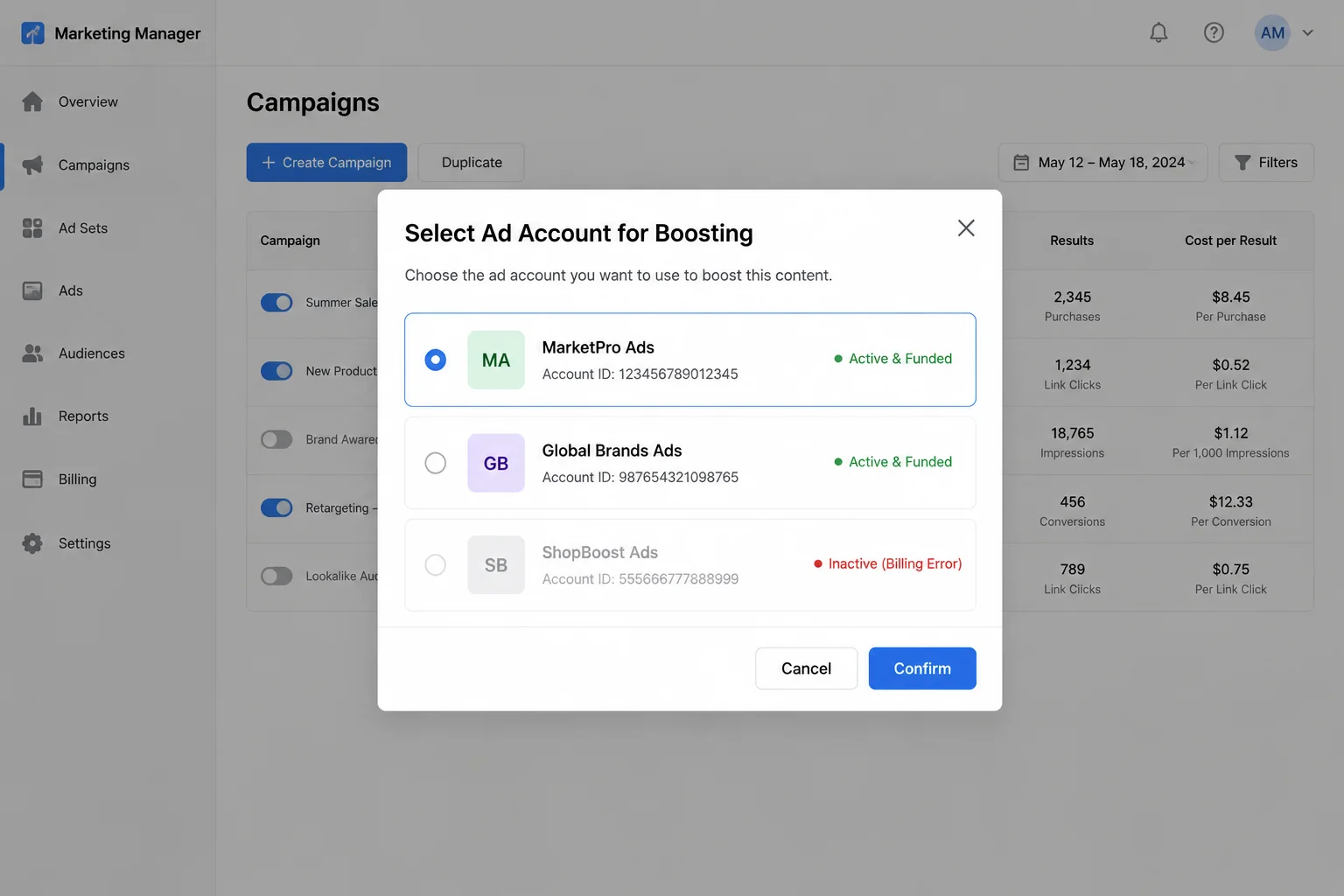
Yes — there are tools designed specifically for managing multiple Facebook ad accounts, but the best tool depends on whether you need account isolation (keeping accounts from being linked) or operational consolidation (managing accounts from a single dashboard). These are two different problems, and the tools for each are different.
Account isolation tools
When you manage multiple ad accounts, Meta's tracking systems look for shared signals across accounts: IP addresses, browser fingerprints, device IDs, shared admins, and overlapping Business Managers. If Meta identifies that multiple accounts share these signals, it flags them as potentially related — and if one account is restricted, the others may be reviewed as well.
Tools that address account isolation include:
Multilogin. An anti-detect browser that creates isolated browser profiles with unique fingerprints for each account. Each profile looks like a separate device to Meta's tracking systems. Multilogin also offers Android cloud phones for mobile-based account separation, which creates a completely independent device environment for each ad identity.
GoLogin. A similar anti-detect browser focused on advertising account management. Provides separate browser environments per account with configurable fingerprint parameters including canvas, WebGL, audio, and font fingerprinting controls. GoLogin also supports team workflows with profile-sharing for collaborative account management.
AdsPower. An antidetect browser with team collaboration features, proxy management, and RPA automation for repetitive account tasks. AdsPower's automation features handle account login, cookie management, and session persistence across restarts.
These tools work by modifying the signals Meta uses for device fingerprinting — browser version, screen resolution, operating system, installed fonts, and time zone. Each profile presents different parameters, so Meta's tracking systems see each profile as a unique device. Without this separation, creating a second account from the same browser would immediately link it to the first account through the shared fingerprint. This is the same principle that makes running multiple accounts from a single device without isolation tools a structural risk rather than just an operational inconvenience.
However, using these tools to create accounts that circumvent Meta's policies carries risk. The tools themselves are legal software products. The use case — creating multiple accounts from a single business entity to exceed Meta's limits — is what Meta's policies on circumventing systems may flag. Advertisers who rely on isolation tools without also investing in compliance review find that restricted accounts accumulate faster than they can create new ones.
Operational consolidation tools
For agencies that need to manage client-owned accounts (not accounts they created to bypass limits), the tooling is different:
Meta Business Suite. Free. Manages multiple ad accounts, Pages, and catalogs under a single Business Manager interface. The limitation: all accounts must be within the same Business Manager or delegated to it through partner access.
Meta Business Manager. Paid. Provides a unified dashboard for managing Facebook and Instagram ad accounts alongside organic content. Includes approval workflows and client reporting.
Meta Business Manager. Paid. Manages multiple ad accounts with team permissions, ad scheduling, and performance reporting.
These tools solve the dashboard problem but don't address account limits. If your Business Manager is capped at 5 ad accounts, no tool can add a 6th — you need a structural solution.
What Portcast provides
Portcast doesn't sell anti-detect browser tools or dashboard software. What we provide: agency ad account access through platform channels, customer-owned account delegation so you retain control, and compliance review that reduces the risk of restrictions on every account we open. We don't guarantee no restrictions — no third party does — but we do guarantee a documented response process when issues occur.
How to Manage Multiple Facebook Ad Accounts Without Creating Structural Risk
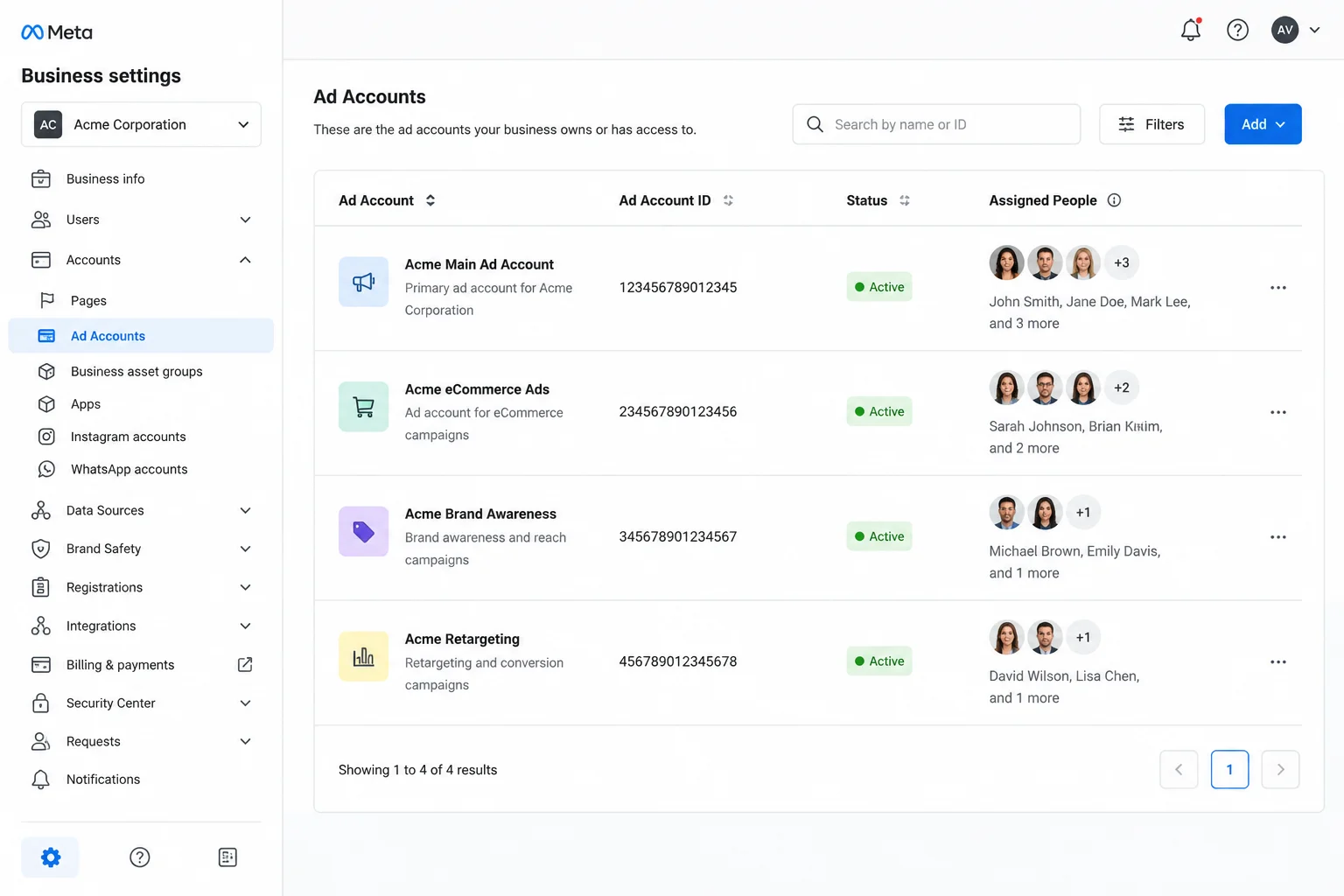
Managing multiple Facebook ad accounts without triggering Meta's automated enforcement requires an account structure that separates identities, Business Managers, and assets cleanly. The most common mistake advertisers make is assuming that adding accounts under a single Business Manager is safe — it is, until one of those accounts triggers a restriction and the entire BM comes under review.
The three levels of separation
Level 1: Separate accounts within one Business Manager. This is the simplest setup and works for most advertisers running 2–5 accounts for different campaigns or products. Each account has its own billing and ad sets, but they all share the same Business Manager identity, payment methods, and admin access. Meta's documentation recommends this level for advertisers with straightforward account structures.
Risk: If one account is restricted, the other accounts under the same BM may face secondary reviews. This doesn't always happen, but it's a known pattern in Meta's enforcement system.
Level 2: Separate Business Managers for separate verticals. Advertisers running ads across different product categories or client types should use a separate Business Manager for each. Each BM has its own identity, its own payment configuration, and its own enforcement history. Meta Business Manager notes that this structure prevents a restriction in one vertical from cascading into another.
Risk: Managing multiple Business Managers requires separate logins or a partner relationship between them. Tooling like Hootsuite or Sprout Social can consolidate the view, but billing and admin must be handled per BM.
Level 3: Agency accounts delegated to your Business Manager. When your ad spend volume exceeds what standard Business Manager accounts can handle, agency-tier accounts opened through a provider like Portcast provide higher limits without requiring you to create multiple BMs. These accounts are opened through Meta's agency partner channel, delegated to your Business Manager, and backed by direct escalation when restrictions occur.
Risk: Requires a provider relationship. The provider's standing with Meta affects your account stability. Choosing a provider without compliance review or escalation processes means you absorb the risk of account downtime.
How many accounts can you actually manage?
The practical limit isn't set by a tool — it's set by your operational capacity to maintain compliance across each account. Meta's Business Help found that advertisers managing more than 10 ad accounts without dedicated compliance support see restriction rates 3x higher than those with structured review processes.
The number that works for you depends on:
- Vertical risk. High-risk categories (supplements, finance, nutra) face more frequent enforcement reviews, making each account harder to keep in good standing.
- Account age. New accounts face stricter scrutiny. Maintaining 3–5 older, compliant accounts is more effective than cycling through 20 new ones.
- Provider support. If an account is restricted, how quickly can it be reinstated or replaced? Within 1 day for a backup account with Portcast. Weeks without structured escalation.
The cost of managing multiple accounts
There is no free way to scale ad account capacity. Every approach carries a cost, and the cheapest option upfront is rarely the cheapest over time:
| Approach | Upfront cost | Ongoing cost | Risk level |
|---|---|---|---|
| Single BM, multiple accounts | None | Compliance monitoring time per account | Moderate — cascading restrictions |
| Multiple BMs, separate identities | Time to set up each BM | Billing overhead, separate logins | Lower — no cross-contamination |
| Anti-detect browser + proxies | Tool subscription ($50–$200/mo) + proxy costs | Account creation cycle, replacement when restricted | High — circumvention risk |
| Agency accounts (delegated model) | Compliance review, provider fee | Monthly fee or % of spend | Lower — compliance structure in place |
The fourth approach — agency accounts through a provider — shifts the compliance burden from the advertiser to the provider. Portcast's compliance review process evaluates ad copy, landing pages, and offer structure before any account is opened. This reduces the risk of restriction before it reaches Meta's enforcement, which means fewer account replacements and less downtime.
How Can I Increase the Ad Account Creation Limit on Facebook?
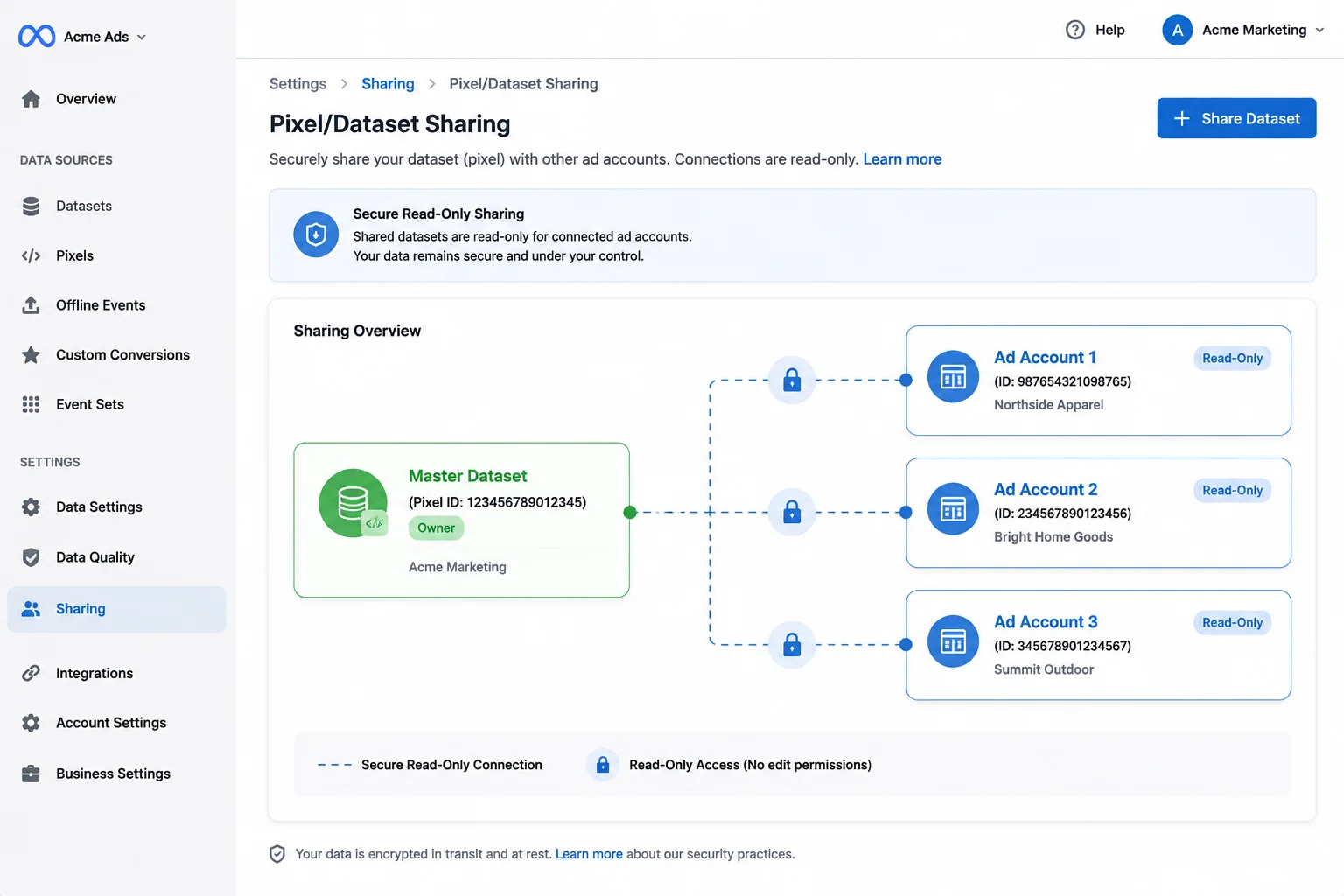
Meta does not publish a fixed process for increasing your ad account creation limit, but there are documented actions that correlate with higher limits over time. The limit starts at 1–5 accounts per Business Manager for new advertisers, with increases granted based on account history, payment reliability, and business verification status.
What actually increases the limit
Complete business verification. Meta requires business verification for advertisers seeking higher limits. This involves submitting business registration documents, confirming your business address, and verifying your domain. Unverified Business Managers rarely see limits above 5 accounts.
Build a clean compliance history. Meta Business Manager of Facebook ad account scaling found that Business Managers with 90+ days of uninterrupted ad delivery and fewer than 3 policy violations are more likely to have their limits increased automatically. Meta's enforcement systems track account-level and BM-level history — the same systems that flag violations also flag consistent compliance.
Scale spend gradually. Advertisers who increase spend by 20–50% week over week from a consistent payment method see higher limits than those who launch with large budgets. Meta's trust scoring considers spending pattern consistency. Meta's Business Help recommends keeping spend increases under 100% per week during the first 60 days of a new account.
Request through support. Some advertisers report success requesting limit increases through Meta's Business Support channel. There's no guarantee — Meta reviews these requests case-by-case — but a documented request with business verification and payment history attached is more likely to be approved than a support ticket with no context.
The typical limit increase request should include: your Business Manager ID, the current limit and the requested limit, your monthly ad spend, your business verification status, and a brief explanation of why you need more accounts (e.g., "launching three new product lines, each requiring a separate ad account for tracking"). Requests that arrive without business verification completed are generally closed without action.
What doesn't work
Creating new Business Managers when your current one is capped does not bypass the limit. Meta's systems track the individual behind the Business Manager — name, ID, payment methods, devices, IP addresses. Creating two BMs from the same identity doesn't double your account capacity; it creates two BMs that Meta may link and restrict simultaneously. Meta's account management documentation explicitly warns that "creating multiple Business Managers from the same identity without proper separation is the fastest way to get permanently banned from advertising on Meta."
Using a friend or family member's identity to create additional Business Managers also carries risk. Meta's verification systems can flag accounts where the Business Manager admin doesn't match the payment method holder or where the business registration details don't match the advertiser's website. When this happens, both Business Managers — the original and the friend's — can be restricted simultaneously, because Meta's systems connect them through shared payment methods, IP addresses, or linked Pages.
Running multiple accounts through a single VPN or proxy IP is equally ineffective. Meta's fingerprinting systems detect IP sharing patterns. If ten ad accounts all log in from the same IP range, Meta treats them as a cluster — and a restriction on one can trigger automated reviews on the others. Each account needs its own residential IP that isn't shared with other accounts under the same advertiser's control.
The common thread across all these failed approaches: Meta's detection systems are designed to identify patterns that indicate a single entity operating multiple accounts. Attempting to hide those patterns with technical workarounds is what triggers the enforcement, not the fact of having multiple accounts itself.
The agency account alternative
If your Business Manager limit won't increase despite meeting the conditions above, an agency ad account opened through a provider with Meta agency channel access provides a separate path. These accounts are not limited by your Business Manager's creation cap — they're opened under the provider's agency infrastructure and delegated to you. The provider's standing with Meta, not your individual Business Manager history, determines the account's initial trust level and spending limits.
This is the structural reason advertisers who hit Meta's ceiling turn to agency accounts: the account's baseline is set by the provider's agency relationship, not by the advertiser's individual compliance history. An advertiser with no track record on a new BM gets the provider's established trust signals, which means higher starting limits and faster ad review.
The tradeoff is provider dependency. If the provider doesn't publish their compliance process or escalation path, you don't know what happens when things go wrong. Portcast publishes both: compliance review before onboarding, customer-owned account delegation so you retain control of the account and its data, direct platform escalation when restrictions occur, and backup account within 1 business day (Mon-Fri, 9am-6pm HKT) provision if suspension happens.
If you need more ad account capacity than your Business Manager can provide, the solution isn't circumvention — it's the right account structure or provider partnership. Talk to our AM about your ad account needs. We don't promise unlimited accounts, but we do provide agency-tier accounts through established Meta channels. The fit review is straightforward: describe your platform mix, spend level, and vertical. We'll confirm eligibility and scope — no payment before scope is confirmed.
Written by Brian Sung
Growth Lead at Portcast Media. Writing about ad account infrastructure, platform policy, and how performance advertisers scale without getting shut down.
LinkedInFrequently asked questions
Why does Facebook restrict the number of ad accounts per Business Manager?+
Facebook restricts ad account creation to prevent platform abuse, spam, and fraudulent advertising activity. Every ad account is a vector for policy violations — accounts can run non-compliant ads, harvest user data, or participate in coordinated inauthentic behavior. By limiting the number of accounts per Business Manager, Meta creates an audit trail: it's harder to run prohibited campaigns at scale if each account requires established Business Manager standing. This is standard practice across major ad platforms, not unique to Meta. Google Ads and TikTok Ads maintain similar account creation limits.
What is the Facebook ad account verification process for scaling spend?+
Start by completing Meta's business verification process — it's the prerequisite for all higher-level account features. You'll need to submit: business registration documents (certificate of incorporation or equivalent), government-issued ID for the Business Manager admin, and domain verification showing you control the business website. After verification, Meta reviews your account history — payment reliability, ad compliance rate, and account age — before approving higher spend limits. The timeline is 3–10 business days for most advertisers.
How do digital marketing agencies manage hundreds of client ad accounts safely?+
Agencies manage client accounts through Meta's partner access delegation, not by owning the accounts themselves. Each client creates their own Business Manager and ad account, then grants partner access to the agency. The agency manages campaigns through a single dashboard without ever owning the account. This structure: (1) keeps each client's account separate with its own billing and compliance history, (2) prevents one client's restriction from affecting others, and (3) means the client retains full ownership if the agency relationship ends. This structure is standard practice for any agency managing 5+ client accounts.
How do I request a manual increase for Facebook ad account limits?+
Contact Meta through Business Support and submit a request citing your business verification status, account history, and the specific limit you need increased. Meta doesn't guarantee approval, but a well-documented request with the following increases the odds: (1) completed business verification, (2) 90+ days of clean compliance history, (3) consistent payment history with no declines, and (4) a clear business reason for the increase (e.g., "managing campaigns for 3 distinct product lines requires separate accounts for tracking"). Generic requests without supporting context are typically denied or ignored. If Meta declines the increase and your ad spend continues growing, the alternative is an agency account that bypasses your BM's creation limit entirely — opened through a provider's Meta agency channel rather than through your individual Business Manager.
What are Meta's advertising policies on circumventing systems and multi-accounting?+
Meta's Advertising Policies explicitly prohibit attempts to circumvent enforcement systems, including creating multiple accounts to bypass limits or restrictions. The relevant policy falls under "Circumventing Systems." Creating accounts with false identities, using anti-detect tools to hide the relationship between accounts, or operating multiple Business Managers from a single entity to exceed account creation limits all carry risk of permanent account disablement. The legitimate alternative: work within Meta's limit structure, complete business verification, or use a provider with agency account access that provides higher capacity through established platform channels — not through circumvention.
Related reading
Facebook Business Manager Purchase Guide
What to verify before paying for BM access or control transfer.
Facebook Agency Account Guide
Ownership, permissions, and risk framing for Meta setups.
Account Management Resources
Continue into the next page for the practical operating details behind this topic.
Ad Account Lockout Diagnosis Tool
Decision aid for lockout diagnosis across policy, billing, and access.
Ready to check if your situation qualifies?
Describe your platform and account situation. Your AM will review fit and confirm the next step — no payment before scope is confirmed.