How to get unshadowbanned on tiktok?

Brian Sung
Published on July 1, 2026
Why am i shadowbanned on tiktok?
[IMAGE: h2-1-diagnosis]
TikTok's Community Guidelines enforcement is automated. The algorithm flags accounts based on behavioral patterns, and it doesn't explain its decisions. Understanding what triggers a shadowban is the first step to reversing one — and avoiding the next one.
What triggers TikTok's automated moderation
Shopify's analysis of shadowban triggers identifies six primary causes:
Content violations. Copyrighted music, watermarked videos from other platforms, or content that brushes against TikTok's guidelines on hate speech, nudity, or dangerous acts. Even one flagged video can trigger a restriction. TikTok's AI reviews content at upload — if the system isn't sure, it restricts first and reviews later.
Spam-like behavior patterns. Mass following and unfollowing, posting identical comments across videos, or uploading more than 3-4 videos per day triggers TikTok's bot detection. The platform doesn't distinguish between "growth hacking" and spam — both look the same to an algorithm.
Banned or restricted hashtags. Some hashtags are themselves shadowbanned. Using them — even innocently — can restrict the reach of your entire post. Shopify's guide recommends sticking to 3-5 relevant hashtags rather than loading up 20+ in hopes of wider reach.
VPN and IP mismatch. TikTok reads your IP location. If your account was created in the US and suddenly logs in from a Vietnamese IP through a VPN, the system flags the inconsistency. This is especially relevant for advertisers managing accounts across regions.
Fake engagement. Buying followers, likes, or views. TikTok's detection for artificial engagement has improved significantly — Multilogin's 2026 guide notes that even "high-quality" engagement panels are now detected within days.
Device fingerprinting. TikTok tracks device IDs. If an account gets banned and you create a new one on the same phone, TikTok links them. This is why simply creating a new account doesn't solve the underlying problem — and why advertisers use tools like Multilogin to manage multiple accounts with isolated browser profiles.
How to confirm it's a shadowban, not a content problem
Not every view drop is a shadowban. Sometimes the content just isn't landing. Here's how to tell the difference:
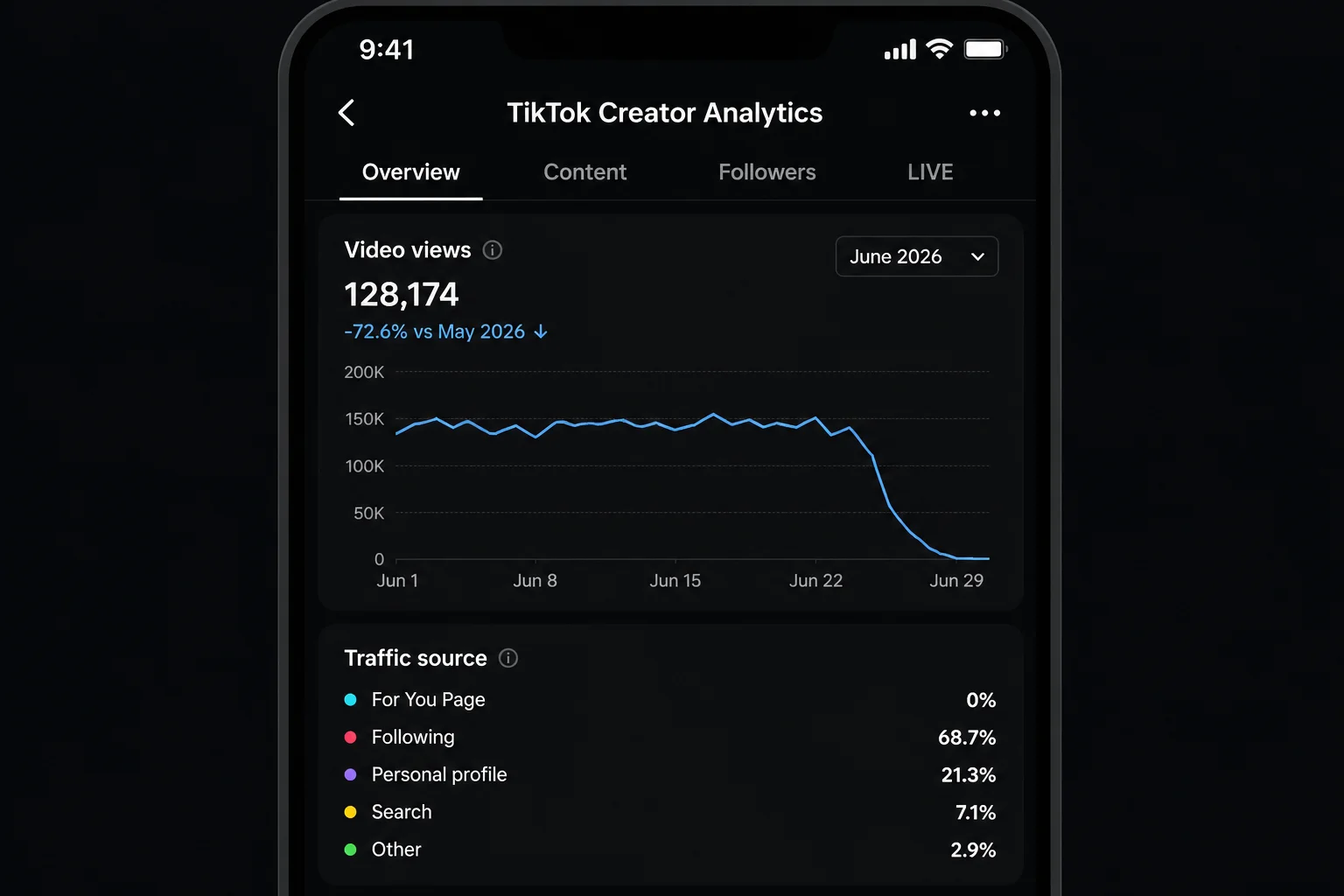
- Check your Analytics. Go to Profile → Creator Tools → Analytics. If your For You Page traffic has dropped below 5% of total views for multiple videos, that's a restriction signal. A single underperforming video with normal FYP traffic is a content problem — not a shadowban.
- Post a test video using a unique hashtag. Search that hashtag from an account that doesn't follow you. If your video doesn't appear, your account is likely restricted from search and discovery.
- Check TikTok Studio for account standing. Any active violations will appear here. If you see "ineligible for recommendation" notices on multiple videos, the restriction is account-level, not video-level.
How to get unbanned from tiktok
If you're shadowbanned, posting more content won't fix it. The algorithm is already restricting your reach — feeding it more content to restrict doesn't help. Recovery requires stopping the behavior that triggered the flag, then rebuilding trust incrementally.
The recovery timeline
Most shadowbans last 1 to 2 weeks, though severity determines duration. Minor algorithmic flags clear in 2-7 days. Repeat violations can extend to 30 days. Some accounts never fully recover their previous reach — the algorithm "remembers" flagged accounts and applies stricter scrutiny going forward.
Step 1: Stop everything (48-72 hours)
Log out. Don't post. Don't comment. Don't even open the app. This gives TikTok's automated review system time to cool down. Continuing to interact during a shadowban — even normally — can reinforce the restriction because the system is already in "watch this account" mode.
Step 2: Audit and remove
Go through your last 30 days of content. Delete or private any video that could have triggered a flag — copyrighted audio, borderline language, content that got unusually low engagement (a sign it was restricted by the algorithm). Shopify's recovery guide recommends clearing your bio of external links during this period; TikTok sometimes restricts accounts that link out aggressively.
Step 3: Clear cache and reinstall
Settings → Cache & Cellular Data → Clear Cache. On Android, also clear app data in system settings. Then delete the app entirely and reinstall. This resets the local data TikTok stores on your device and can resolve technical restrictions tied to your app installation.
Step 4: Return slowly
When you come back, behave like a new user for the first week. Scroll, watch, like — engage normally. Don't post for another 2-3 days after reinstalling. When you do post: one original video per day maximum, no hashtags that could be flagged, no external links in captions. TikTok is watching to see if you'll repeat the behavior that got you restricted.
Step 5: If nothing works — appeal
If you've followed steps 1-4 and your reach hasn't recovered after two weeks, escalate. Go to Profile → Settings and Privacy → Report a Problem. Describe the situation factually: what changed, when it started, and what you've tried. TikTok's support is inconsistent — some users get a human response within days, others never hear back. But an appeal creates a record, and that sometimes triggers a manual review.
Tiktok Account Banned
[IMAGE: h2-3-banned]
A shadowban is a restriction. A ban is a termination. The difference matters because the recovery path is completely different — and for advertisers, a banned ad account means paused campaigns, lost momentum, and revenue that isn't coming back until the account is live again.
Shadowban vs. full ban: how to tell which one you have
| Shadowban | Full ban | |
|---|---|---|
| Can you log in? | Yes | No — or account is "permanently suspended" |
| Can you post? | Yes, but reach is restricted | No |
| Notification | Usually none | TikTok sends an in-app notice |
| Appeal path | Report a problem | Formal appeal through Account → Safety |
| Recovery time | 1-2 weeks typically | Weeks to months, or permanent |
| Impact on ad account | Can trigger ad delivery issues | Ad account is disabled — campaigns stop immediately |
When your ad account goes down with it
For advertisers, a banned TikTok account is a business continuity problem. If your organic account is linked to your TikTok Ads Manager and that account gets banned, your ad campaigns stop. Pixel data, audiences, campaign history — inaccessible. TikTok's ad account suspension policy is separate from its content moderation, but a banned organic account frequently triggers an ad account review.
Portcast doesn't handle organic TikTok account recovery — that's a creator-side problem. What we do handle: keeping your ad account operational when your organic presence hits turbulence. Our TikTok agency ad accounts are opened through established platform channels, delegated to your Business Manager, and backed by direct escalation to platform teams when restrictions occur.
Recovering a banned account
1. Identify the violation. TikTok's suspension notice will cite the specific policy. Read it carefully — your appeal needs to address exactly what TikTok says you violated, not what you think happened.
2. Submit a formal appeal. Go through TikTok's in-app appeal process. Be factual. Don't be emotional. Explain what happened, acknowledge any actual violation, and describe what you'll do differently. TikTok processes appeals faster when they're specific rather than generic "I didn't do anything wrong" submissions.
3. Contact support through multiple channels. In addition to the in-app appeal, email `feedback@tiktok.com` and use the TikTok Ads support channel if you're an advertiser.
4. Prepare to wait. TikTok's review process is slow and opaque. Industry research found that most account reviews take 1-4 weeks, with some taking significantly longer.
If the ban is permanent
If TikTok issues a permanent ban and the appeal is denied, you have two paths — neither ideal:
Start over with a clean device. New phone (or factory reset), new SIM, new Apple ID or Google account, new IP (mobile data, not WiFi). TikTok's device fingerprinting makes creating a new account on the same device effectively impossible — it will be linked to the banned account within hours.
Use an agency ad account for paid campaigns. If your goal is advertising, not organic content, an agency ad account separates your ad operations from your organic account risk. The customer-owned account model means you own the ad account, it's delegated to your Business Manager, and your campaigns don't depend on one organic profile's standing.
How Advertisers Can Stay Operational When TikTok Accounts Go Down
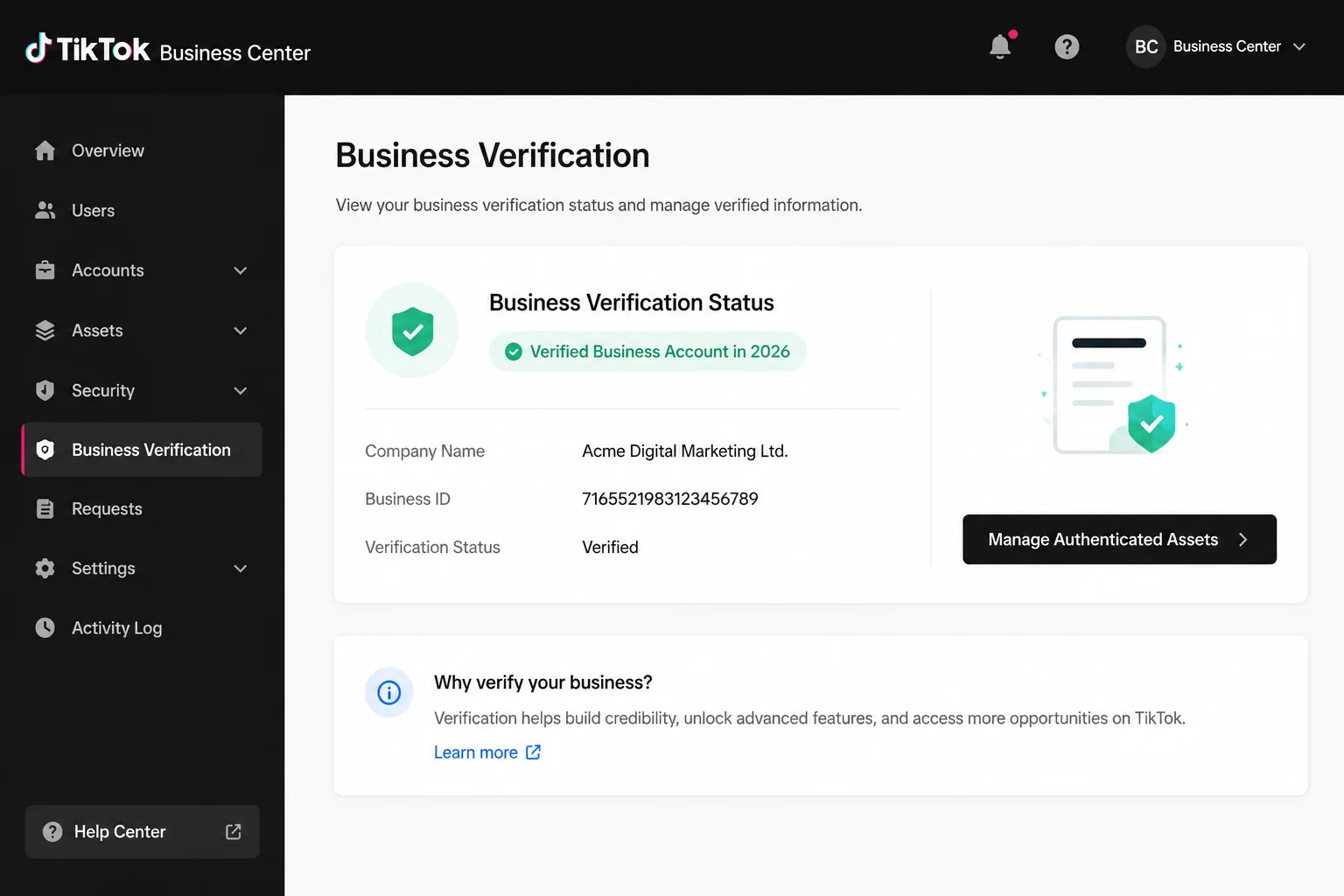
Most shadowban guides are written for creators. But if you're spending $5,000 a month on TikTok ads, a shadowban on your linked account isn't a content problem — it's a revenue problem. Every day your campaigns are down is a day of lost sales.
Why advertisers face higher account risk
Advertisers trigger more algorithmic scrutiny than casual users. You log in from multiple locations. You switch between ad accounts. You use third-party tools for analytics and scheduling. Your payment methods change. You scale spend quickly. Every one of these is a legitimate advertising activity — and every one of them is a pattern that TikTok's automated moderation flags as potentially suspicious.
Advertisers in high-risk verticals — performance advertisers, nutra, crypto-adjacent, gambling-adjacent — face amplified risk. TikTok's review systems flag these categories more aggressively, and account restrictions in these verticals are harder to appeal.
Separating your ad account from your organic risk
The most effective protection for advertisers is structural: keep your ad account independent of your organic profile's standing. An agency ad account, opened through established platform channels and delegated to your Business Manager, doesn't depend on one person's organic TikTok profile staying in good standing. If your creator account gets shadowbanned, your campaigns keep running.
Portcast provides TikTok agency ad account access with compliance review before onboarding. Casino is a hard no. Restricted verticals are case-by-case. We don't guarantee no restrictions — no third party controls TikTok's enforcement decisions — but we do provide backup account within 1 business day (Mon-Fri, 9am-6pm HKT) provision if suspension occurs and direct escalation to platform teams when you need it.
> Related: TikTok agency ad account — how it works | Customer-owned account model | Eligibility and compliance — who we accept
If your TikTok ad account is down and you need it back online — or you want to separate your ad operations from your organic account risk — talk to our AM. We will review your situation and confirm whether you are a fit. No payment before scope is confirmed.
Written by Brian Sung
Growth Lead at Portcast Media. Writing about ad account infrastructure, platform policy, and how performance advertisers scale without getting shut down.
LinkedInFrequently asked questions
How can I tell if my TikTok account is shadowbanned or just getting low views?+
Start by checking your TikTok Analytics under Creator Tools. If your For You Page traffic has dropped below 5% across multiple videos, you're likely shadowbanned. A single underperforming video with normal FYP traffic is a content-quality problem. Multiple videos with near-zero FYP traffic is a restriction. For a definitive test, post a video with a unique hashtag, then search that hashtag from an account that doesn't follow you — if your video doesn't appear, your account is restricted from discovery. TikTok Studio also shows any active account violations.
How do I check my TikTok account health and algorithm status?+
TikTok Studio is the centralized dashboard for account standing. It surfaces active violations, content that's been flagged, and any restrictions on your account. Check it weekly — especially before launching new campaigns. For advertisers, TikTok Ads Manager has its own account health section that tracks ad account standing separately from organic account health. An organic restriction doesn't always trigger an ad account restriction, but the two are linked — TikTok's review systems share signals across your account graph.
How do I fix a TikTok shadowban for my small business account?+
Stop posting for 48-72 hours. Audit and remove any content that brushes against TikTok's guidelines. Clear your cache, reinstall the app, and return with 1 original video per day for the first week. For businesses, the additional step: audit your link-in-bio and any external URLs in captions. TikTok sometimes restricts accounts that it perceives as driving traffic off-platform. If you're running ads through a TikTok agency ad account, your ad delivery is isolated from your organic account standing — your campaigns stay live even if your business profile hits a restriction.
Does clearing TikTok cache and reinstalling the app fix reach issues?+
Yes — but only when combined with a 48-hour cooldown. Go to Settings and Privacy → Cache & Cellular Data → Clear Cache. Delete the app, restart your phone, and reinstall from the App Store or Google Play. On Android, clear app data in system settings before reinstalling — this removes residual tracking data that cache clearing alone doesn't touch. Multilogin's guide notes that reinstalling is most effective after an inactivity period: waiting lets TikTok's server-side flags cool off before the app sends fresh device data.
What are the best TikTok shadowban recovery tips for new creators?+
The most effective approach for new creators is consistency over volume. One original video per day. Authentic engagement — reply to comments genuinely, stitch and duet other creators in your niche. No hashtag spam. New creators often try to compensate for a shadowban by posting more, which makes it worse. TikTok's algorithm reads "volume spike" as "potential spam." The recovery pattern that works is slow, boring, and effective: post less, engage more, wait longer.
Related reading
TikTok Agency Account Guide
Agency access, verification, and platform workflow basics for TikTok advertisers.
Facebook Suspension Appeal
Appeal sequencing, evidence, and recovery paths after ad account restrictions.
Instagram Ad Account Recovery
Disabled-account diagnosis for permissions, identity, and policy issues.
TikTok Agency Ad Account Access
Customer-owned TikTok ad accounts with direct platform escalation and 24/7 AM support.
Ready to check if your situation qualifies?
Describe your platform and account situation. Your AM will review fit and confirm the next step — no payment before scope is confirmed.