
How to Appeal a Google Ads Account Suspension

Brian Sung
Published on July 1, 2026
Google Ads Account Suspension Appeal Process
[IMAGE: h2-1-appeal-process]
Google Ads suspension appeals follow a structured process that requires you to identify the policy violation, fix the root cause, and submit a corrective explanation through the Policy Center. Each step matters, and skipping any of them guarantees denial.
Step 1: Identify the exact policy violation
Log into your Google Ads account and navigate to the Policy Center. The suspension notice will cite one of Google's core enforcement policies. The most common triggers in 2025-2026 are:
Circumventing Systems. This is the most frequently cited suspension reason and the hardest to appeal. Google's policy defines it as any attempt to circumvent Google's enforcement systems — creating new accounts after a suspension, using shared IP addresses or devices that Google links to previously suspended accounts, or misrepresenting business information across multiple accounts. Google suspended 39.2 million accounts in 2024, a 208% increase from the prior year, and circumventing systems was the leading cause.
Misrepresentation. Failing to represent your business, product, or service accurately. This includes misleading claims in ad copy, landing pages that do not match the ad, or omitting material information about your product.
Suspicious payments. Payment methods linked to previously suspended accounts, mismatched billing names, or unusual payment behavior. Google evaluates payment history as a trust signal.
Unacceptable business practices. Products or services that Google considers harmful to users. This covers a broad range including deceptive claims, dangerous products, and certain financial services.
Step 2: Fix the root cause before appealing
This is the most common reason appeals fail. Submitting an appeal without demonstrating corrective action is rejected automatically by Google's system. The fix depends on the violation:
| Suspension reason | Corrective action required |
|---|---|
| Circumventing Systems | Separate accounts into different Google Ads Manager Accounts. Use unique payment methods. Ensure no shared devices or IP addresses with suspended accounts. |
| Misrepresentation | Update landing pages to accurately represent the product. Remove misleading claims from ad copy. Add clear pricing, terms, and contact information. |
| Suspicious payments | Update payment method to one that matches your business registration. Clear any outstanding balance. Ensure the billing name matches your business verification. |
| Unacceptable business practices | Remove non-compliant products. Update landing pages to comply with Google's advertising policies. Add necessary disclaimers. |
Step 3: Submit the appeal
Go to the Policy Center and click "Appeal." You will be asked to:
- Confirm the specific policy you are appealing
- Describe the corrective actions you have taken
- Acknowledge your commitment to ongoing compliance
Be specific in your explanation. "I have reviewed Google's policies and fixed the issue" is not sufficient. State exactly what you changed and why. For example: "I removed the misleading pricing claims from my landing page and updated the page to clearly display the full product cost with no hidden fees."
Step 4: Wait for review
Since November 2025, most appeals are resolved within 24 hours. Google's own data confirms that 99% of appeals are processed within this timeframe. Do not resubmit a second appeal before the first one is resolved — it resets the review queue.
Multilogin's analysis notes that circumventing systems appeals take longer than other types because the review requires evaluating the account's environmental history — IP addresses, device fingerprints, and linked accounts — not just the content of the appeal itself.
Portcast's compliance review process operates before your Google Ads account goes live, not after a suspension. We review your account structure, ad content, landing pages, and business documentation against Google's policies to identify risks before they trigger an automated flag. We do not guarantee that no suspension will occur. Google's enforcement decisions are outside any third party's control. What we do: flag the risks we can see and document the compliance steps taken.
Google Ad Account Suspended
[IMAGE: h2-2-suspended]
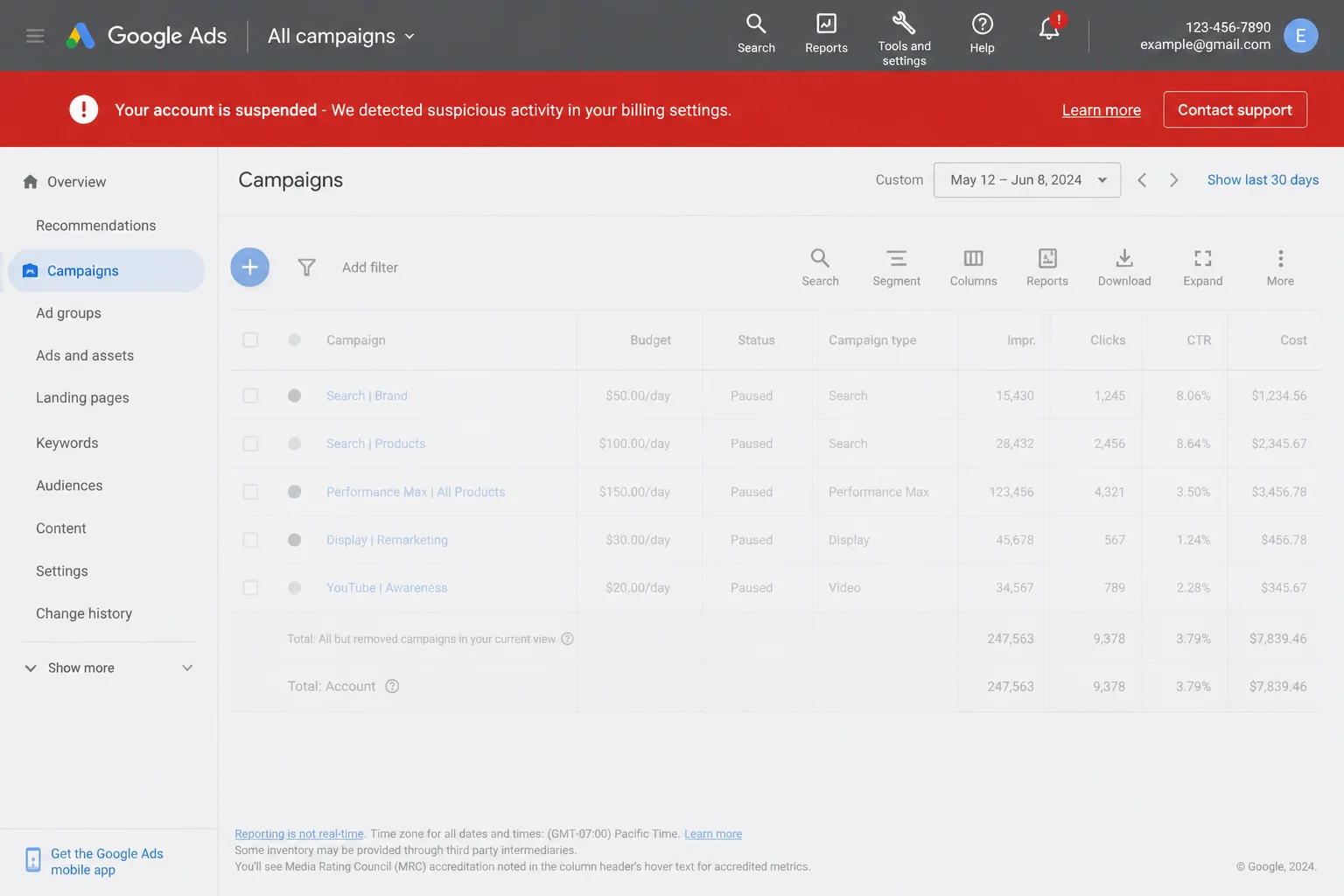
Standard appeals work for straightforward policy violations. Some suspensions require a different approach — particularly circumventing systems flags, advertiser identity verification issues, and accounts that have been suspended multiple times. Understanding which category your suspension falls into determines how you should proceed.
Circumventing systems: the most challenging suspension type
Circumventing systems is Google's catch-all enforcement category for accounts that appear to be attempting to evade a previous restriction. The policy is broad by design, which makes it both the most commonly cited and the hardest to overturn.
Google's detection evaluates:
- IP addresses shared with previously suspended accounts
- Device fingerprints — browser settings, operating system, hardware profile
- Payment methods — cards or accounts previously used on suspended profiles
- Phone numbers — verification numbers linked to other accounts
- Business information — matching names, addresses, or tax IDs across accounts
The counterintuitive insight: most circumventing systems flags are not caused by intentional evasion. They are caused by legitimate business operations that happen to share environmental signals with a previously suspended account. An agency managing multiple clients from the same office IP, a business owner who created a test account that was suspended, or an advertiser using a co-working space that previously housed a suspended advertiser — all of these trigger circumventing systems flags without any intent to deceive.
Fixing a circumventing systems suspension requires separating your account's environmental signals from any associated with previous suspensions. This means:
- Using a clean, unique payment method
- Ensuring your business registration documents are clear and match your account information
- Completing Google Ads advertiser verification if you have not already done so
- Explaining in your appeal why the environmental overlap occurred (shared office, previous test account, etc.)
Portcast's compliance review for Google Ads accounts evaluates environmental risks before submission — checking for shared IP concerns, payment method consistency, and business documentation readiness. We flag issues before they trigger an automated suspension, not after. This does not eliminate the risk of suspension, but it reduces the likelihood of avoidable flags caused by account structure gaps.
Advertiser identity verification and its impact on suspensions
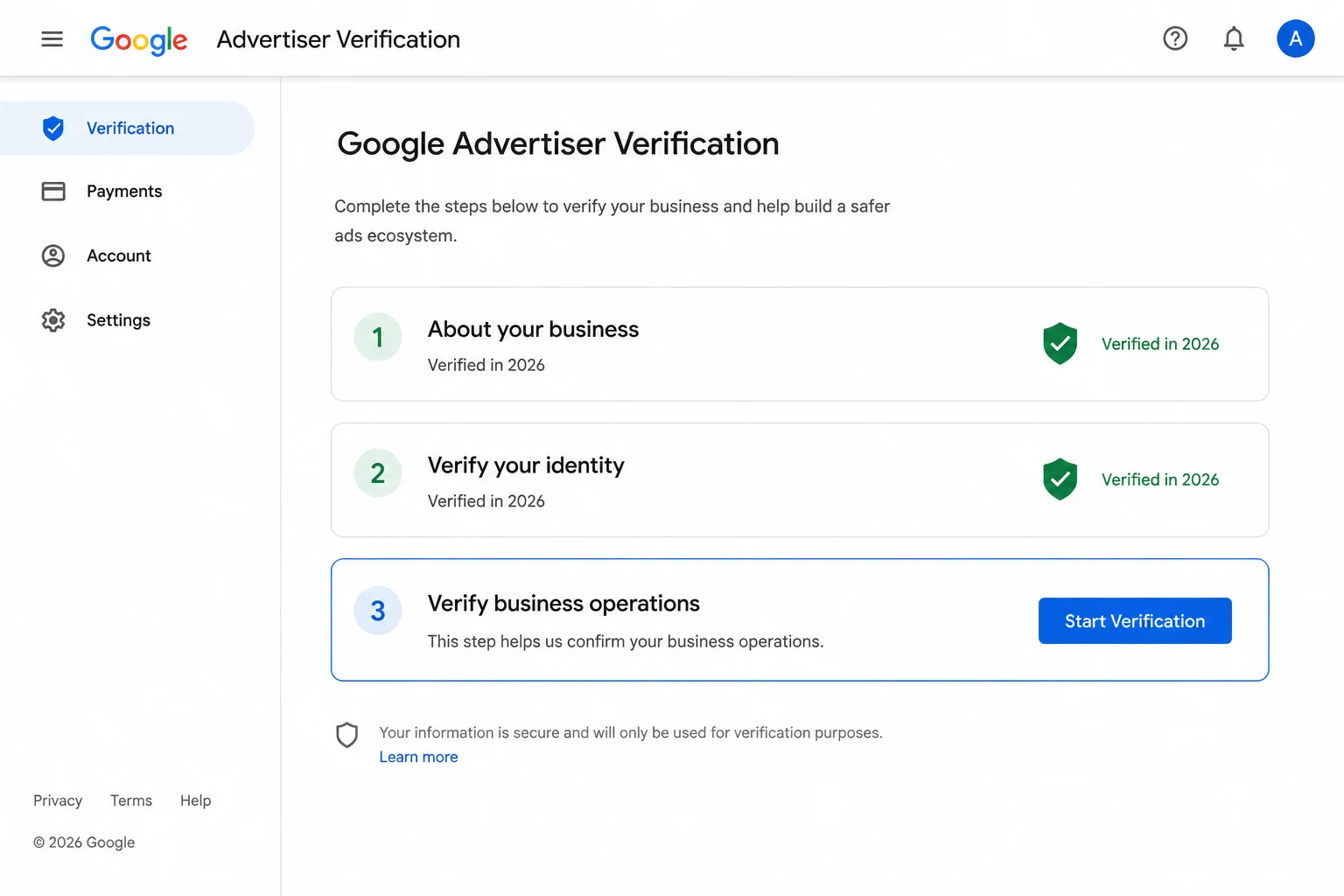
Google expanded its advertiser verification requirements in 2025-2026. Accounts that fail to complete verification within 30 days of being notified are restricted. Google's advertiser verification process requires submitting:
- Business registration documents
- Personal identification for the account administrator
- Proof of business operations (website, tax records, or utility bills)
An incomplete or mismatched verification is itself a common suspension trigger. If your account was suspended for a reason related to identity verification, completing the verification process is a prerequisite to submitting a successful appeal.
What a second suspension means
If your account has been suspended before and is now suspended again, Google's review team evaluates your entire account history, not just the current violation. A second suspension within 12 months of a previous one is significantly harder to appeal. Google's internal systems apply stricter scrutiny to accounts with a suspension history, and the appeal threshold is higher.
Portcast's account management and appeal support helps document your account history for escalation cases. We do not rewrite your appeal — that is between you and Google's review team. What we provide: a documented record of your account's compliance history, direct escalation to platform teams for legitimate accounts facing unwarranted restrictions, and a backup Google Ads account provisioned within 1 day if the suspension creates a business continuity problem. Our customer-owned account model means the account and its accumulated assets belong to you, regardless of whether you stay with Portcast.
Google Ads Appeal vs Creating a New Account After Suspension
When a Google Ads appeal is denied, many advertisers consider the obvious alternative: create a new account. It takes five minutes. New accounts are approved automatically. The old one is left behind. This is the most expensive mistake an advertiser can make because it turns a potentially reversible suspension into a permanent restriction.
Why creating a new account almost never works
Google's circumventing systems enforcement links new accounts to suspended ones through multiple signals. When you create a new account after a suspension, Google compares:
- Your payment method. The same credit card or bank account flags an instant match.
- Your business information. The same company name, tax ID, or website domain creates a link.
- Your IP address and device. The same browser, computer, or network triggers a fingerprint match.
- Your conversion tracking. using the same Google tag or Google Analytics property creates a data-level link.
A new account created under these conditions is typically suspended within hours or days. The advertiser is now managing two suspended accounts instead of one, and the circumventing systems flag on the second account makes the original appeal harder to win.
Hootsuite's analysis found that advertisers who create a new account after a suspension have a 70% lower success rate on their original appeal than those who persist with the proper process. The data confirms what Google's policy states: the appeal path and the new-account path are mutually exclusive. Choosing one closes the other.
When starting fresh is the right call
There is one scenario where creating a new account is appropriate: when you have exhausted all appeal options and the business cannot operate without a Google Ads presence. In this case:
- Use a completely new legal entity with fresh business registration
- Use a new payment method and bank account
- Use a different device and network (not a VPN — Google detects those too)
- Complete advertiser verification before running any ads
- Start with a Google Ads Manager Account (MCC) structure that separates accounts by business unit
This is not a workaround. It is a full restart with a new legal identity, and it should only be pursued when Google has denied the final appeal and confirmed the suspension is permanent. Portcast does not recommend creating new accounts to bypass suspensions — our account management team advises on proper escalation and account separation strategies before anyone considers a restart.
The right alternative: agency account structure
For advertisers who need continuity during a suspension, the alternative is an agency ad account opened through established channels. An agency Google Ads account is separate from your self-managed account structure. If your main account is under review, the agency account can continue running campaigns.
Portcast provides Google Ads agency account access with compliance review before onboarding. Restricted verticals are evaluated case by case. Casino is a hard no — no exceptions. We do not guarantee approval, because platform decisions rest with Google. What we do: compliance review before submission, direct escalation to platform teams when legitimate accounts are flagged, and backup account within 1 business day (Mon-Fri, 9am-6pm HKT) provisioning if suspension occurs. No payment before scope is confirmed.
If your Google Ads account is suspended and you need a path back to running campaigns — or you want to establish an agency account structure that isolates your ad operations from your self-managed account's standing — talk to our AM. We will review your situation, confirm fit, and scope the next step. No payment before scope is confirmed.
Written by Brian Sung
Growth Lead at Portcast Media. Writing about ad account infrastructure, platform policy, and how performance advertisers scale without getting shut down.
LinkedInFrequently asked questions
Why does Google Ads reject account appeals?+
Google rejects appeals for three primary reasons: the root cause was not fixed before submission, the explanation is too vague to demonstrate corrective action, or the account's environmental history (IP addresses, payment methods, linked accounts) shows signals that the system interprets as evasion. The most common rejection reason is submitting an appeal without addressing the specific policy cited in the suspension notice. Google's appeal troubleshooting guide recommends including the exact policy violated, the specific corrective actions taken, and documentation supporting your compliance. Appeals that say "I will follow policies going forward" without describing specific fixes are rejected automatically.
How do I appeal a Google Ads Circumventing Systems suspension?+
Start by identifying the environmental signals that triggered the flag: shared IP addresses, linked payment methods, or business information matching a previously suspended account. The circumventing systems policy is cited when Google's systems detect that an account appears to be evading a prior restriction. Fix the root cause by using a unique payment method, ensuring your business registration documents are consistent across all accounts, and separating your account structure into different Manager Accounts. Submit an appeal through the Policy Center with a specific explanation of why the environmental overlap occurred — shared office space, a previous test account, or a billing change. Multilogin's circumventing systems guide notes that successful appeals for this policy cite the specific reason for the environmental overlap rather than denying the overlap exists.
What are the best Google Ads suspension appeal tips for small business owners?+
Complete advertiser verification before submitting your appeal. Verified accounts are reviewed under different criteria than unverified ones. Google's advertiser verification program requires business registration documents and personal identification. Small business accounts face higher rates of automated flagging because they lack the account history that larger advertisers have. The most effective appeal for a small business includes: business registration documents, updated landing page screenshots showing compliance, and an explanation of corrective actions that references the specific policy cited. Shopify's Google Ads recovery guide recommends small business owners also check that their website includes a privacy policy, terms of service, and clear contact information — missing pages are a common secondary trigger.
What documentation do I need for a Google Ads advertiser verification appeal?+
You need three documents: government-issued ID for the account administrator, business registration documents matching the account name, and proof of business operations (website, utility bill, or tax record). Google's verification process requires these documents to confirm your identity as an advertiser. If your account was suspended due to an incomplete or mismatched verification, complete the full verification process before submitting a separate appeal. The verification status is available under your Google Ads account settings in the "Advertiser Verification" section. An approved verification does not automatically reinstate a suspended account — you must still submit a separate appeal through the Policy Center.
What happens if a Google Ads appeal is denied?+
If your appeal is denied, you have two options: submit a second appeal with additional documentation and a more detailed explanation, or accept the suspension as permanent and restructure your advertising approach. Google allows a reasonable number of re-appeals on most accounts, but each submission should include new information not present in the previous one. Submitting the same explanation again is rejected automatically. If the denial is related to circumventing systems and you believe it was flagged in error, request a manual review through Google Ads support chat if available. Search Engine Journal notes that the November 2025 improvements included expanded access to human review for complex cases. If all appeals are denied and the suspension is permanent, consider an agency ad account structure that separates your advertising operations from your self-managed Google Ads account. Talk to our AM about whether a Google Ads agency account is an option for your situation.
Related reading
Google Ads Audit Checklist
Structured review for spend, permissions, billing, and account health.
Facebook Suspension Appeal
Appeal sequencing, evidence, and recovery paths after restrictions.
Google Ads Agency Account
Continue into the next page for the practical operating details behind this topic.
Account Ownership Model
Continue into the next page for the practical operating details behind this topic.
Ready to check if your situation qualifies?
Describe your platform and account situation. Your AM will review fit and confirm the next step — no payment before scope is confirmed.